
4-Day Mastery Course · 100% Free

Build Your Own Powerful Personal AI Agent

Use OpenClaw + Telegram to deploy your AI agent in the cloud or locally — powered by free-tier LLMs. No China account needed.

$0 Total Cost
Stay on free tiers
70M+ Free Tokens
Alibaba new users
4 Days
1 hour per day
☁️ Alibaba Cloud
OpenClaw AI Agent mascot — a crystal robotic claw surrounded by neural network rings
⚡ Kimi · Groq · Gemini

Why OpenClaw?

Everything you need to run a powerful personal AI agent — free, open, and deployable anywhere.

💸

Free to Start

Alibaba Cloud gives new users 70+ million Model Studio tokens. Groq, Gemini, and NVIDIA all offer generous free tiers.

🌐

Cloud or Local

Deploy 24/7 on Alibaba Cloud with one click, or run entirely on your laptop — zero ongoing cost.

🧠

Smart Multi-LLM

Configure Kimi K2.5, Llama, Qwen and more with automatic fallbacks so your agent never goes down.

Every 60-minute session follows the same structure.

10 min
Quick Recap + Goals
40 min
Hands-on Tutorial
10 min
Live Test + Q&A

4-Day Course Schedule

Progressive, hands-on, and balanced for 60-minute sessions. Each day builds on the last.

Day 1
Cloud Deployment on Alibaba Cloud + Telegram
View Details
Goal Have a fully working OpenClaw agent running 24/7 in the cloud, chatting via Telegram.
  1. 1Sign up / log in at alibabacloud.com (use non-China region).
  2. 2Follow the official one-click tutorial: purchase the OpenClaw pre-installed image.
  3. 3In the console → Application Details → Execute the three commands.
  4. 4Telegram integration: Create bot with @BotFather, paste token into OpenClaw config.
  5. 5Live test: Message your bot → "Tell me about yourself".
HomeworkKeep the instance running overnight and note your bot username.
Goal Run OpenClaw on your own laptop with zero ongoing cost, using ultra-fast free cloud models.
  1. 1Recap: Review Day 1 cloud instance (you can stop it to save credits).
  2. 2Install locally: curl -fsSL https://openclaw.ai/install.sh | bash, then run openclaw onboard.
  3. 3Add free LLM — Groq recommended: get free API key at console.groq.com/keys.
  4. 4Test & compare: Chat with your local agent vs. the Alibaba cloud one.
HomeworkAdd a second free fallback model (e.g. Gemini) in ~/.openclaw/openclaw.json.
Goal Add the powerful free Kimi K2.5 and configure automatic fallbacks.
  1. 1Recap: Test Day 2 local setup.
  2. 2NVIDIA free Kimi setup: Get API key at build.nvidia.com/settings/api-keys, add as custom provider, set model moonshotai/kimi-k2.5.
  3. 3Configure smart fallbacks: Kimi primary → Groq fallback → Gemini fallback.
  4. 4Run openclaw restart and test with heavy tasks.
  5. 5Live demo: Watch the agent automatically switch models when Kimi rate-limits.
HomeworkTry adding one more NVIDIA model (e.g. GLM-4.7 or Qwen3).
Goal Turn your OpenClaw into a true personal agent that remembers you, runs skills, and does real work.
  1. 1Recap: Quick poll — who is running local vs. cloud?
  2. 2Persistent memory: Teach it about yourself. Explore built-in skills.
  3. 3Community skills: Browse clawhub.com → install 2–3 skills. Create your first custom skill.
  4. 4Capstone project: Group challenge — "Make your agent book a fake meeting and summarize the web."
  5. 5Final Q&A, share your bot usernames, and next steps.
HomeworkUse your agent daily for 7 days and report back one cool thing it did.

Prerequisites

All you need before Day 1. Total course cost: $0 if you stay on free tiers.

  • Laptop (macOS, Windows, or Linux)
  • Telegram account (free)
  • Free email for sign-ups
  • No China-region accounts needed
  • No programming experience required

Free

Course · Students pay ~$9.9 for their own cloud

💡 Alibaba gives new international users 70+ million Model Studio tokens + other free credits.

Resources

All free and accessible internationally.

Get in Touch

💬
WeChat
clawbible
✉️
Email
clawbible.us@gmail.com
🌐
Website
clawbible.us
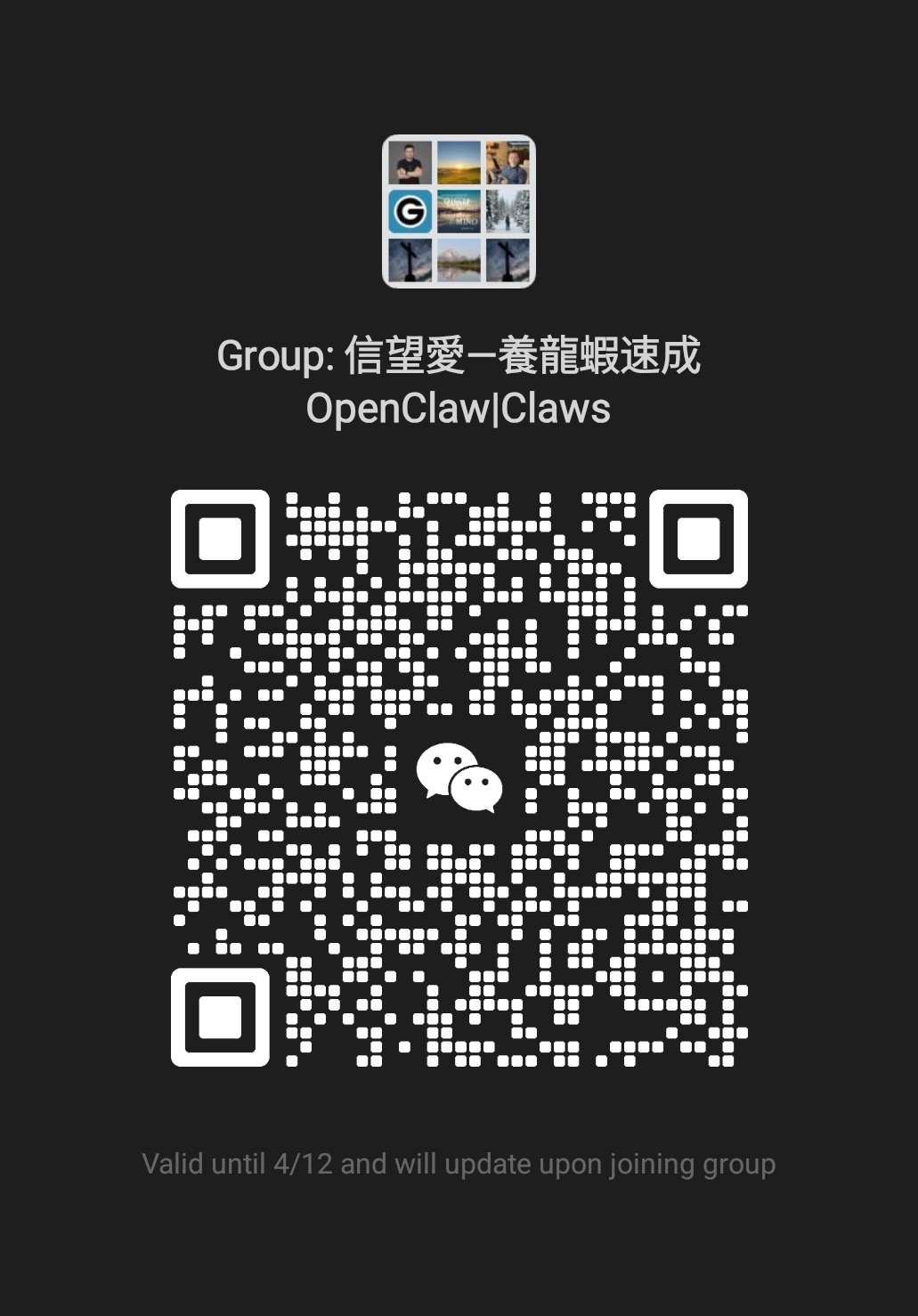
💬 Join the Class WeChat Group

信望愛—養龍蝦速成 OpenClaw|Claws

Scan the QR code with WeChat to join the course group chat. Get real-time support, share progress, and connect with fellow AI builders.

⏳ QR code will refresh — scan early or join via the group after entering.

WeChat group QR code for OpenClaw class